












Watford Construction / Intelligent Systems
Quietly
intelligent.
The gate, the garage, the door, the windows, the blinds and the heating. One quiet system. One app. From anywhere.
Your home.
Your building.
Your way.
Scroll, and watch the house respond.
Scroll to begin
Concept visualisation9 · a home at blue hour
01 / Quietly intelligent
02 · Highlights
Get the highlights.
Gate control
An entrance that responds.
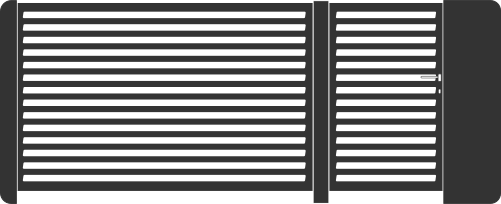
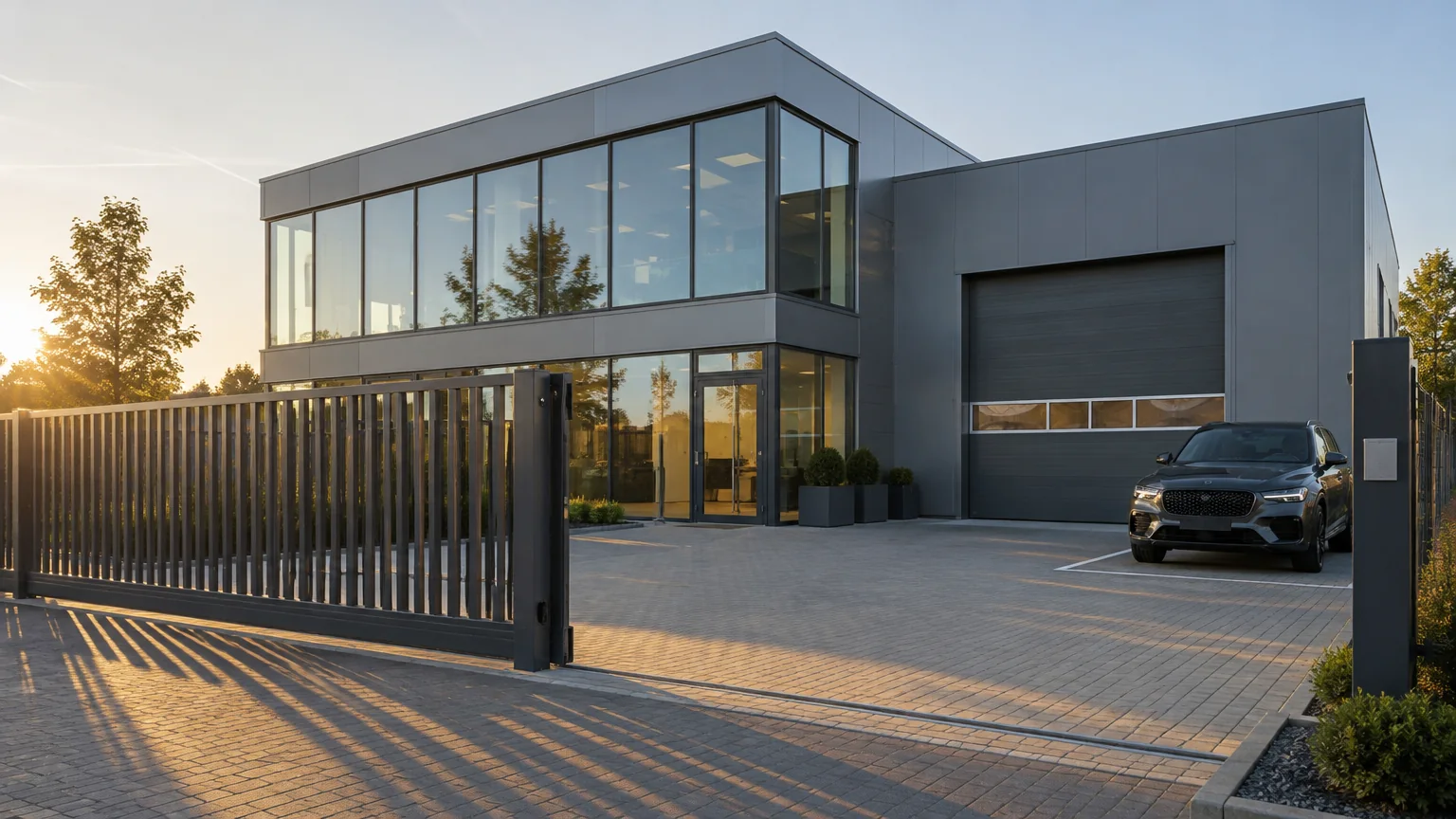
The gate slides open with a tap from the car, and closes behind you.

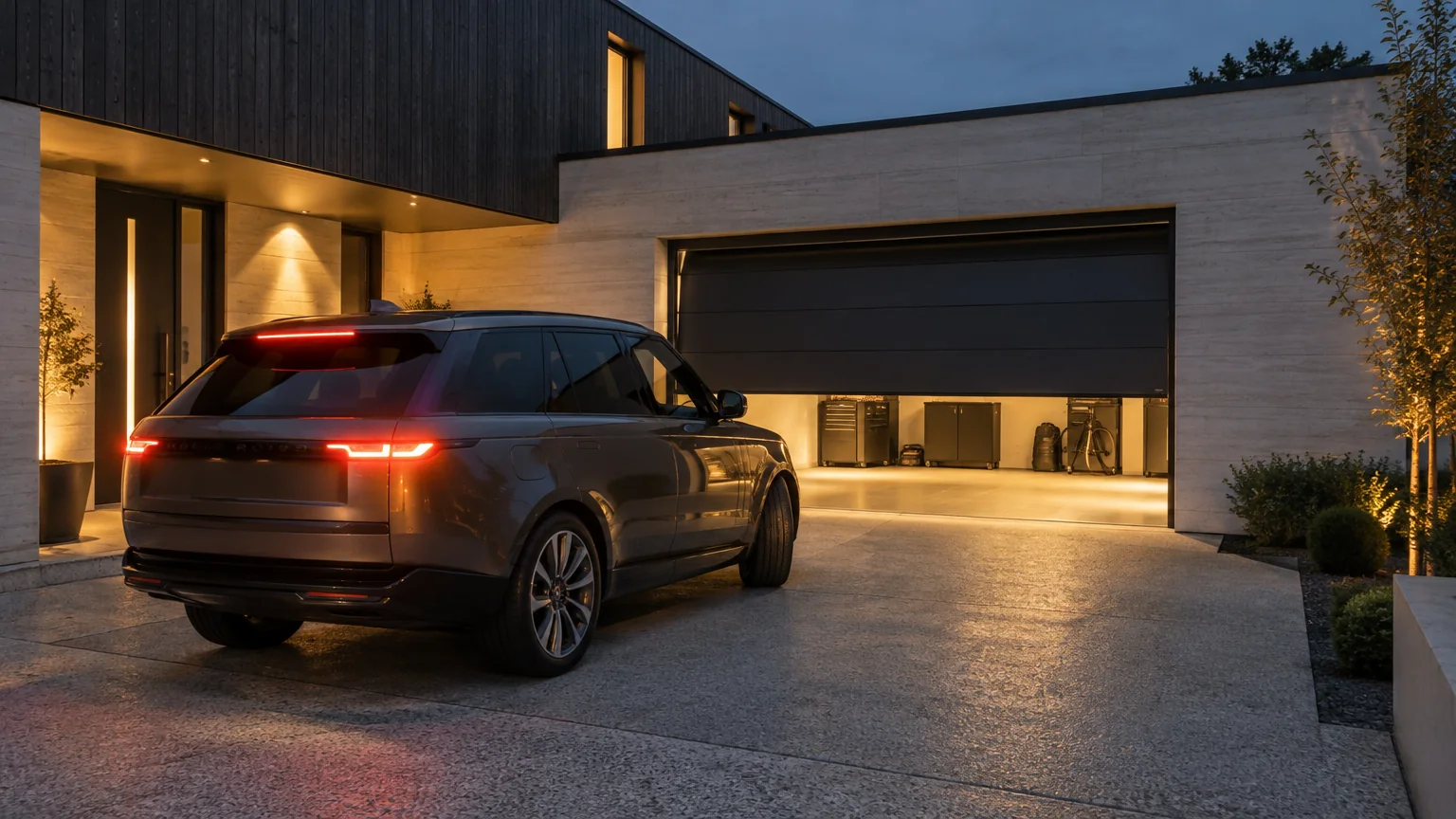
Garage door control
Arrive with ease.
Open, close, or leave it a hand’s width open to let the air through.
Automatic door closing
A considered entrance.
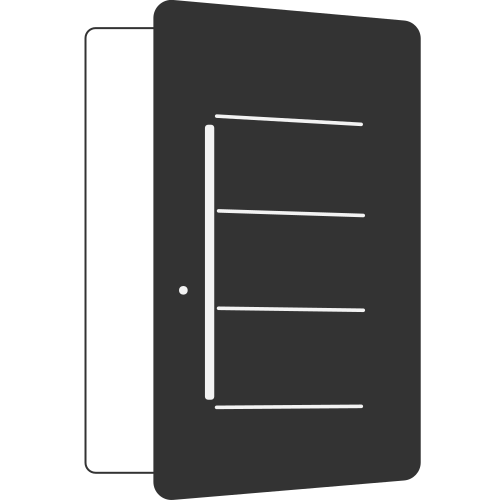
The door closes itself. Every time. And locks.

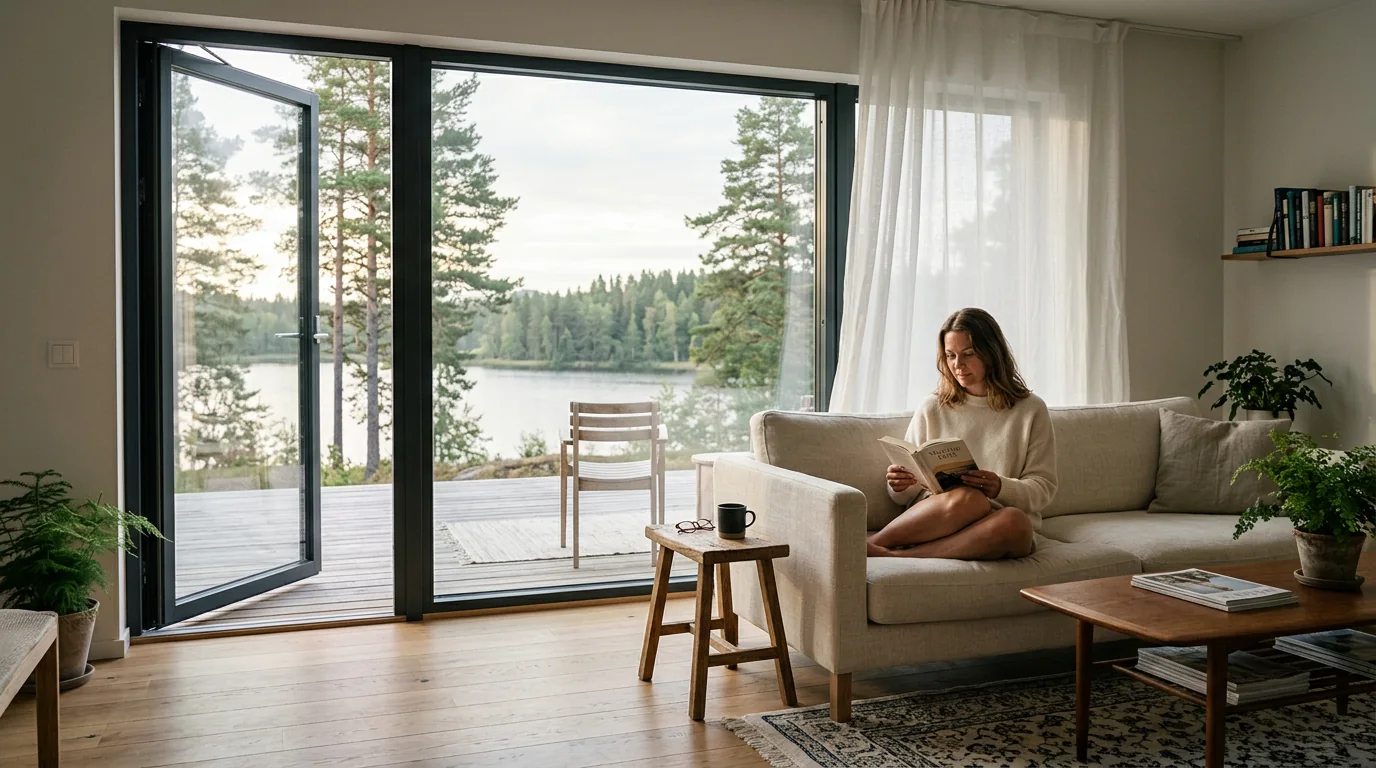
Window control
Ventilation, considered.
Tilt the windows from the sofa, on a schedule, or from the other side of the world.
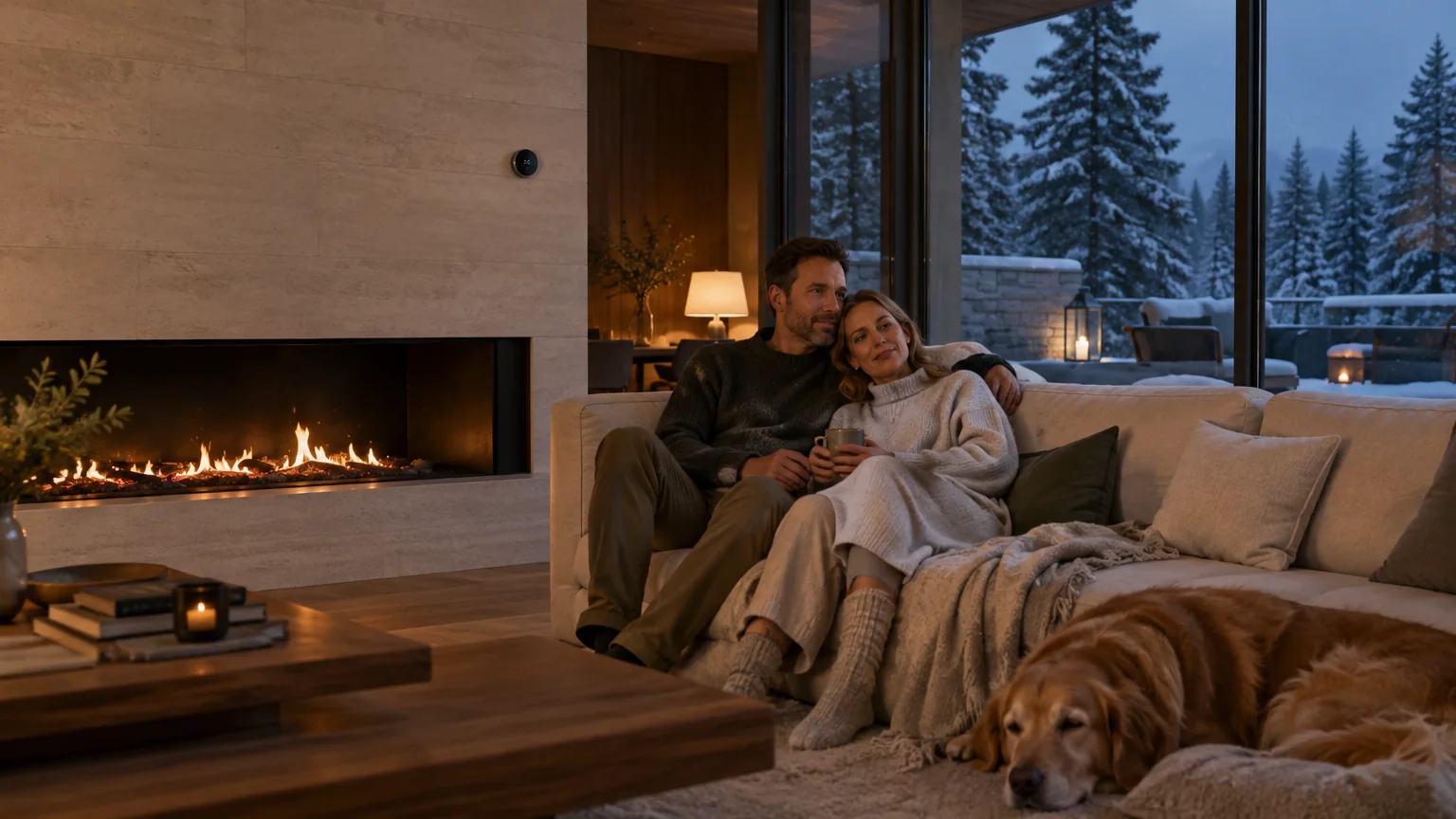
Heater control
Comfort, on your terms.
Warm by the time you arrive. Cooler while you’re away.
Blinds
Shade on demand.
Follow the sun. Lower them together, or one at a time.

03 · The idea
One app.
Every entrance.
Intelligent Systems brings the gate, the garage door, the entrance door, the windows, the blinds and the heating into one quiet system, controlled from one app, from anywhere. For the gate, the garage door and the entrance door there is no extra hub and no extra wiring: the connection is built into the drives themselves.1 Give access to the people you trust, for exactly as long as you choose, and see what happened while you were away.2 Set a scene once, and your home does the rest.3
Compare for
For a household that comes and goes all day.
04 · Everything, connected
One property.
Seven quiet decisions.
Tap a point to see what it does. Each is a product you may already know from the rest of the house, now listening to the same app.
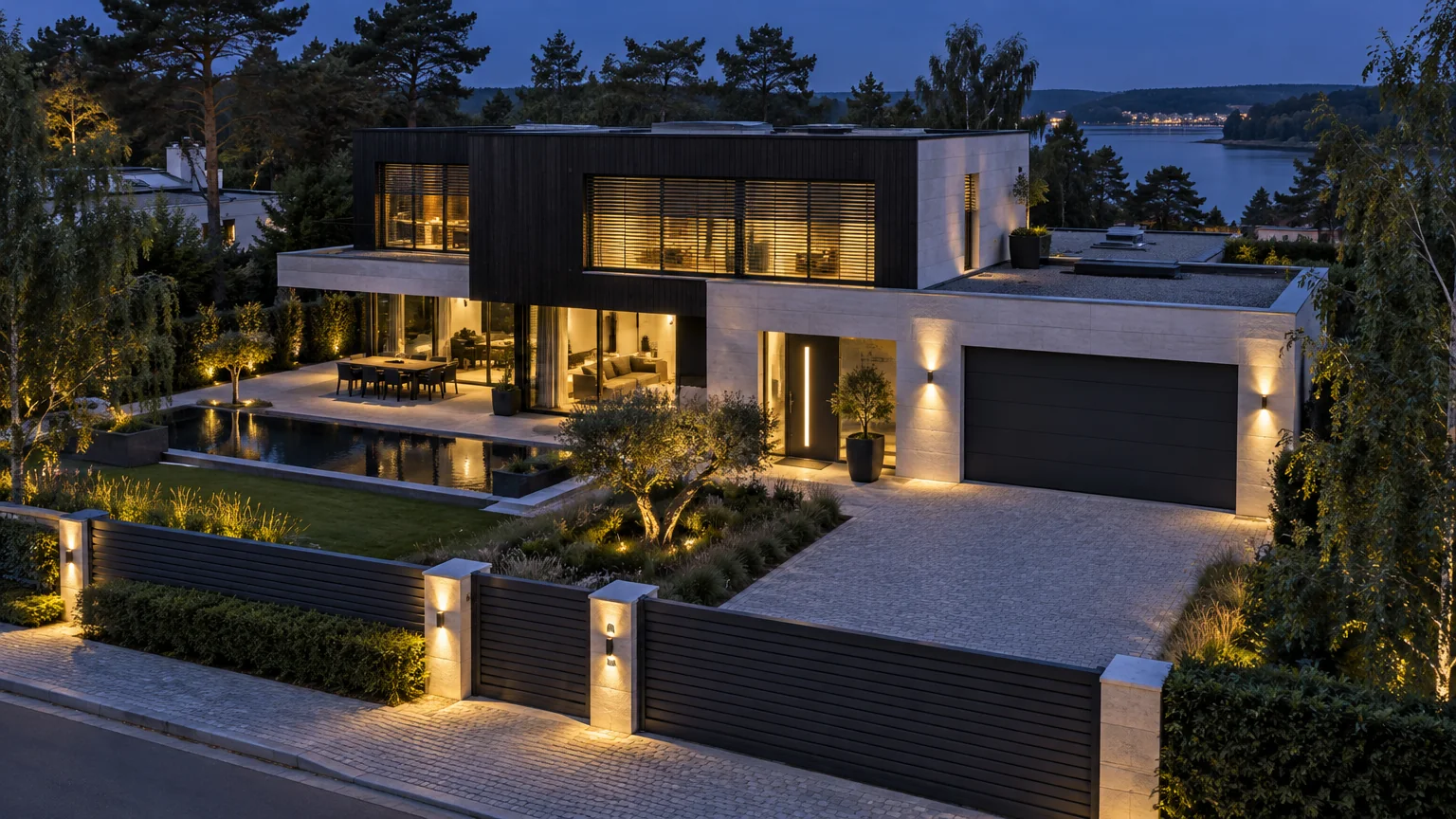
Point 01
Sliding gate
Opens with a tap, on a schedule, or as part of a scene. Tells you if it was left open.7
Concept visualisation9 · the points are illustrative positions, not a survey.
05 · The Watford app
Your home,
in hand.
One screen for everything that opens, closes, tilts, shades and warms. Designed to be glanced at, not studied.
Everything at a glance.
Every entrance and every room on one screen, with its state right now. Closed. Locked. Twenty-one degrees.
Good evening.Coming home is running.
Scenes
Entrances
Comfort
Design illustration9 · the app and the phone
05 / The Watford app
Six systems
Each one a product you know.
Now listening.
Scroll through the gate, the garage, the entrance, the windows, the heating and the blinds.
06 · Gate control
An entrance
that responds.
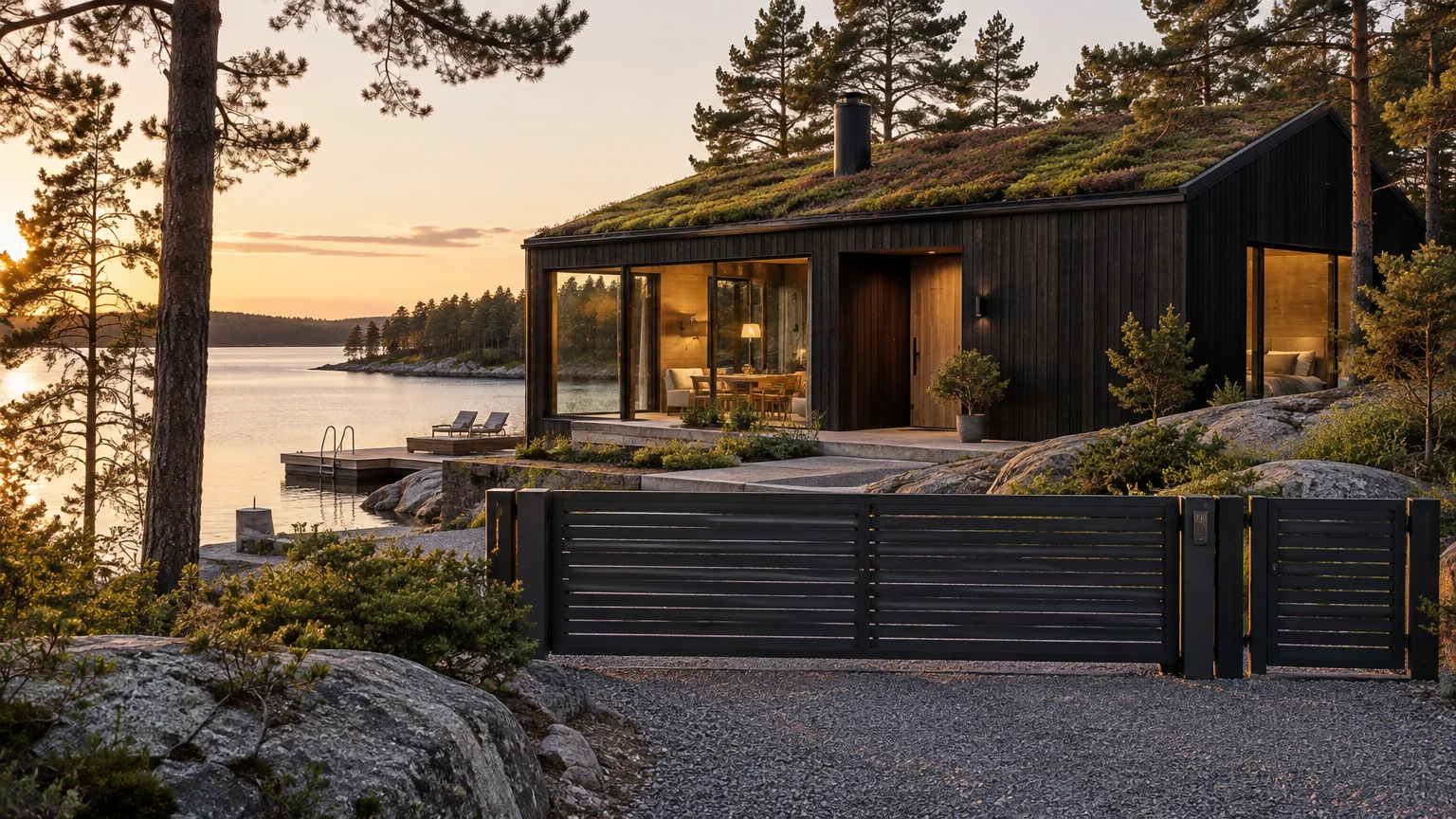
A tap from the car, and the gate is already sliding. Set the scene, and it opens as part of coming home.3
- Opens from the appfrom the car, the kitchen, or the other side of the world.
- Closes behind youautomatically after a set time, or when you tell it to.1
- Left open? You’ll know.a notification when the gate stays open, or is opened with a remote.7
- Still works the old wayremotes, keypads and wall switches keep doing what they do.
A tap from the car.The drive, with its connection on board.1In every season.
Concept visualisation9
06 / Gate control
08 · Automatic door closing
A considered
entrance.
Unlock for the children from your desk. The door closes itself behind them, and locks.
- Electric lockunlocks from the app, a code or a scene; locks again when the door closes.
- Closes itselfa concealed closer brings the door home, gently, every time.
- No spare keysaccess is a person and a time window, not a key under a pot.2
- Hands full?open it from the car before you reach the step.
Unlocked, from wherever you are.It closes itself. Every time.The lock, flush with the door.
Concept visualisation9
08 / Automatic door closing
09 · Window control
Ventilation,
considered.
Tilt them open from the sofa. Air the house before you are home. Close everything with one tap when the sky turns.
Open to the lake.Aired before you wake.Closed, with one tap, before the rain settles in.The concealed actuator.10
Concept visualisation9
09 / Window control
10 · Heater control
Comfort,
on your terms.
Warm by the time you arrive. Cooler while you are away. Zones, schedules and your existing equipment, in one place.5
Twenty-one degrees, by the time you are home.One dial, when you want one.
Concept visualisation9
10 / Heater control
11 · Blinds
Shade
on demand.
External blinds that follow the sun through the day. Together, or one façade at a time.
- Follow the sunlower and tilt through the afternoon, lift again at dusk.
- By façadethe terrace side at four, the bedrooms at six.
- The holiday sceneblinds move through the day, and the house looks lived in.3
- Designed into the openingtop-mounted or adaptive, planned with the window.
Golden hour, measured out.
Concept visualisation9
11 / Blinds
12 · Scenes
One tap.
Everything in its place.
A scene is a list of things your home does in order. Write it once.3
Coming home.
The gate slides, the garage opens, the door unlocks, the blinds lift and the heating rises to twenty-one.
- Gate opens
- Garage opens
- Door unlocks
- Blinds lift
- Heating 21°
Leaving.
Everything that opens, closes. Everything that locks, locks. The blinds settle to forty per cent and the heating goes eco.
- Garage closes
- Door locks
- Windows close
- Blinds 40%
- Heating eco
Good night.
A check of every entrance, a close of anything open, and the blinds come down for the night.
- Every entrance checked
- Open things closed
- Blinds down
Ventilate.
The bedroom windows tilt for twenty minutes and the garage door stops a hand’s width open.
- Bedroom windows tilt
- 20 minutes
- Garage to ventilation
Deliveries.
The wicket opens for ten minutes, the parcel goes in the box, and the app tells you when it closed.
- Wicket opens
- 10 minutes
- Closed, confirmed
Away.
Blinds follow the sun, the heating stays on eco, and every alert comes to your phone.
- Blinds follow the sun
- Heating eco
- Alerts on
13 · Access and activity
Who, when,
for how long.
Share access with a person, not a key. Limit it to a window of time or a number of uses. Take it back in a tap. And see, for thirty days, exactly what happened.2
A week of access.
Each person, each day, each hour they can open something. Illustrative.2
A time window, each day it appliesA number of usesNo access
Today, so far.
The activity log keeps the last thirty days.2
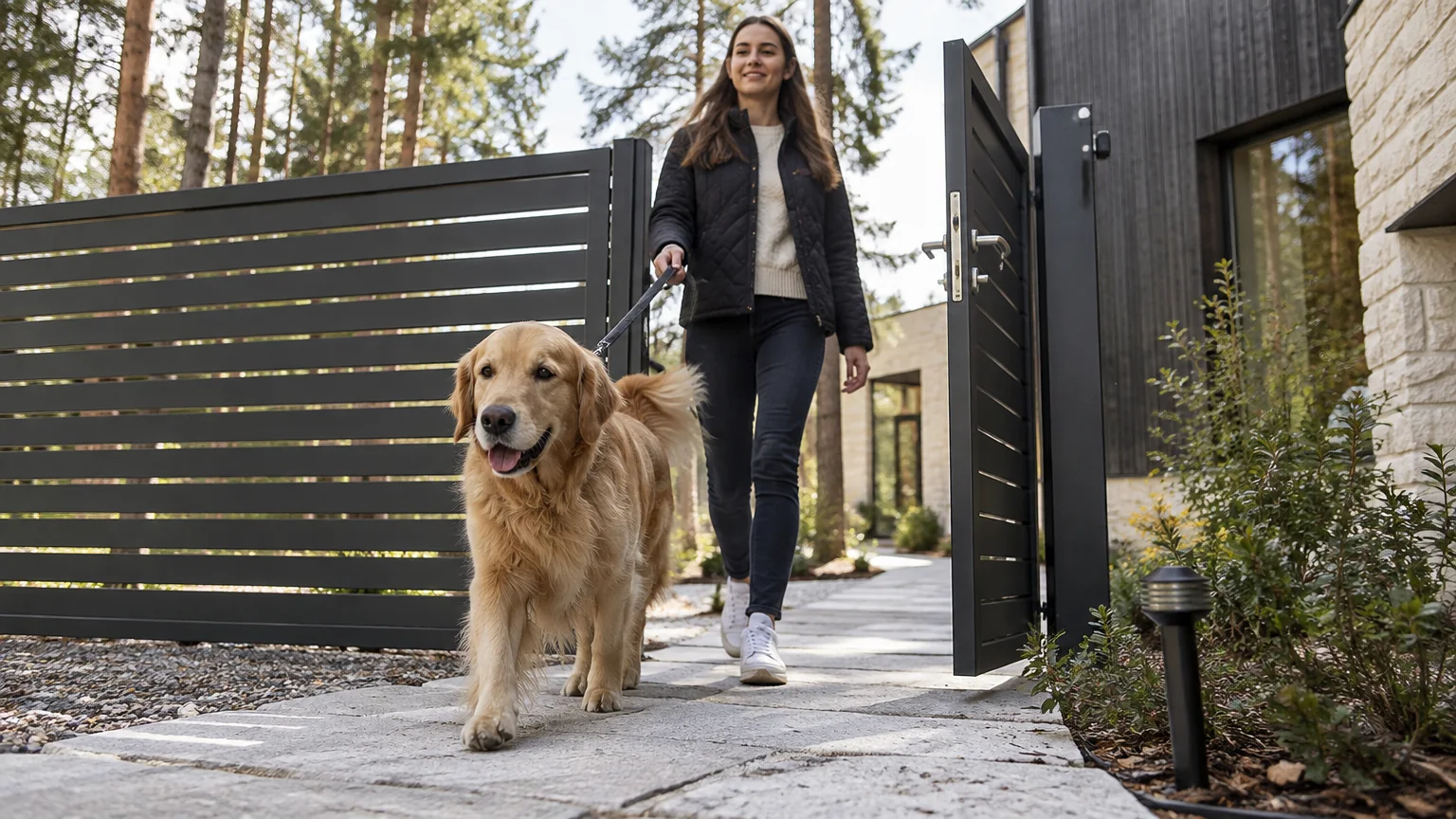
Weekdays, eleven to twelve, the wicket only. Nothing else, and nothing after twelve.
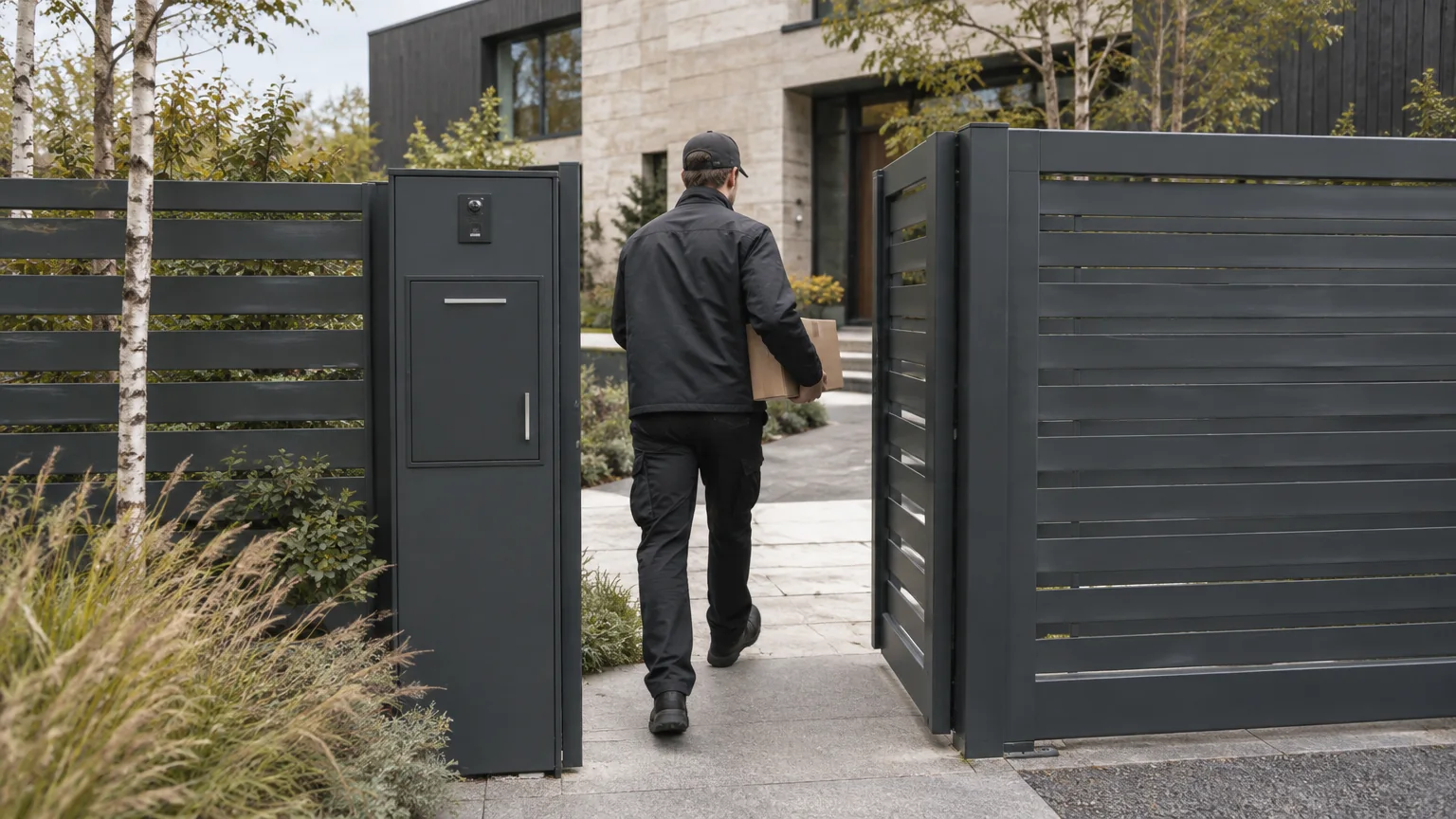
Three uses this week, the wicket and the parcel box. The app tells you when the parcel is in.
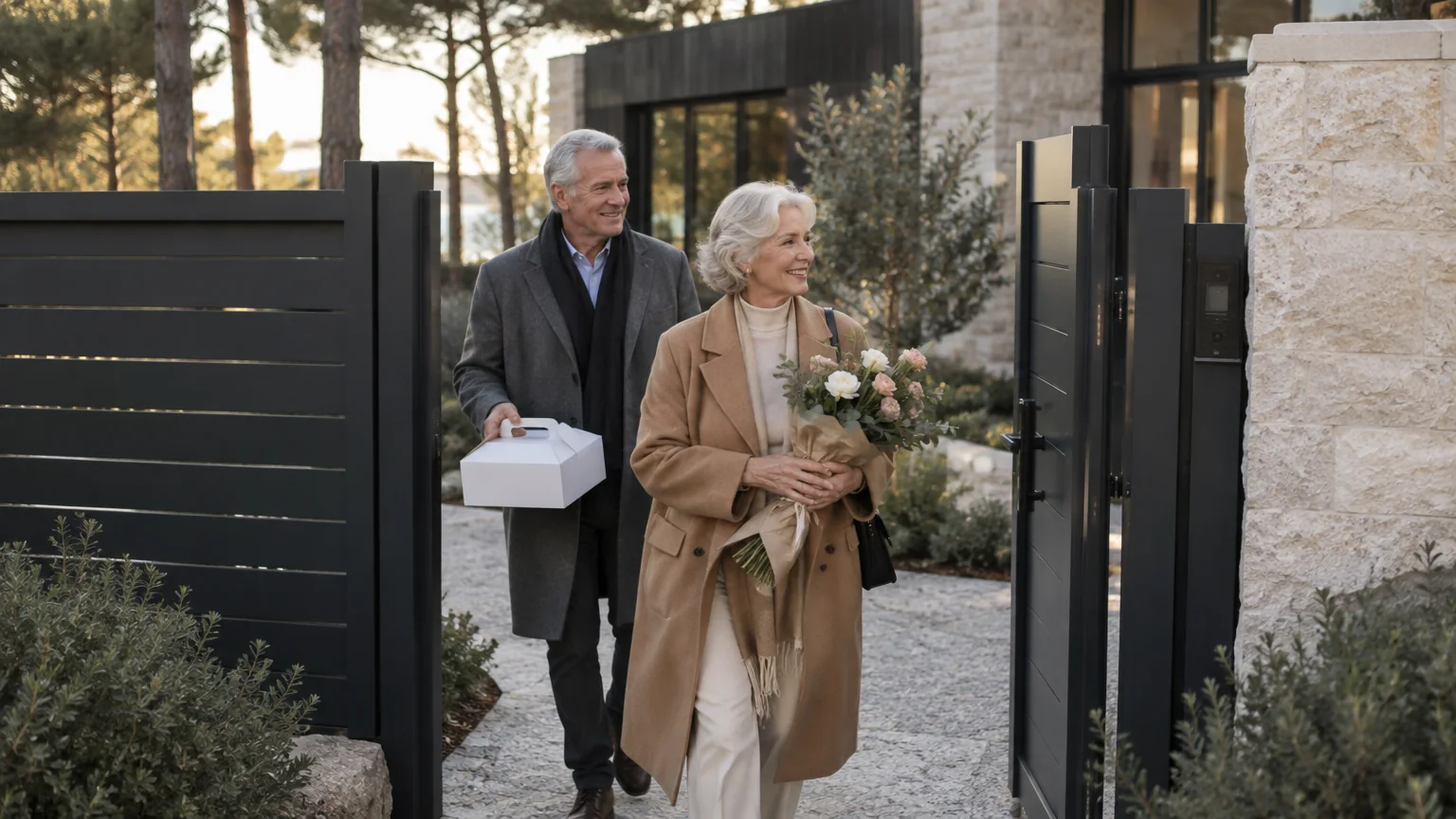
The gate and the front door until Sunday evening. Let them in from the office if they are early.
14 · Family
Everyone has a key.
Nobody has to carry one.
The children let themselves in. The teenager comes home at eleven and the gate closes behind him on its timer. The app tells you, quietly, that everyone is home.
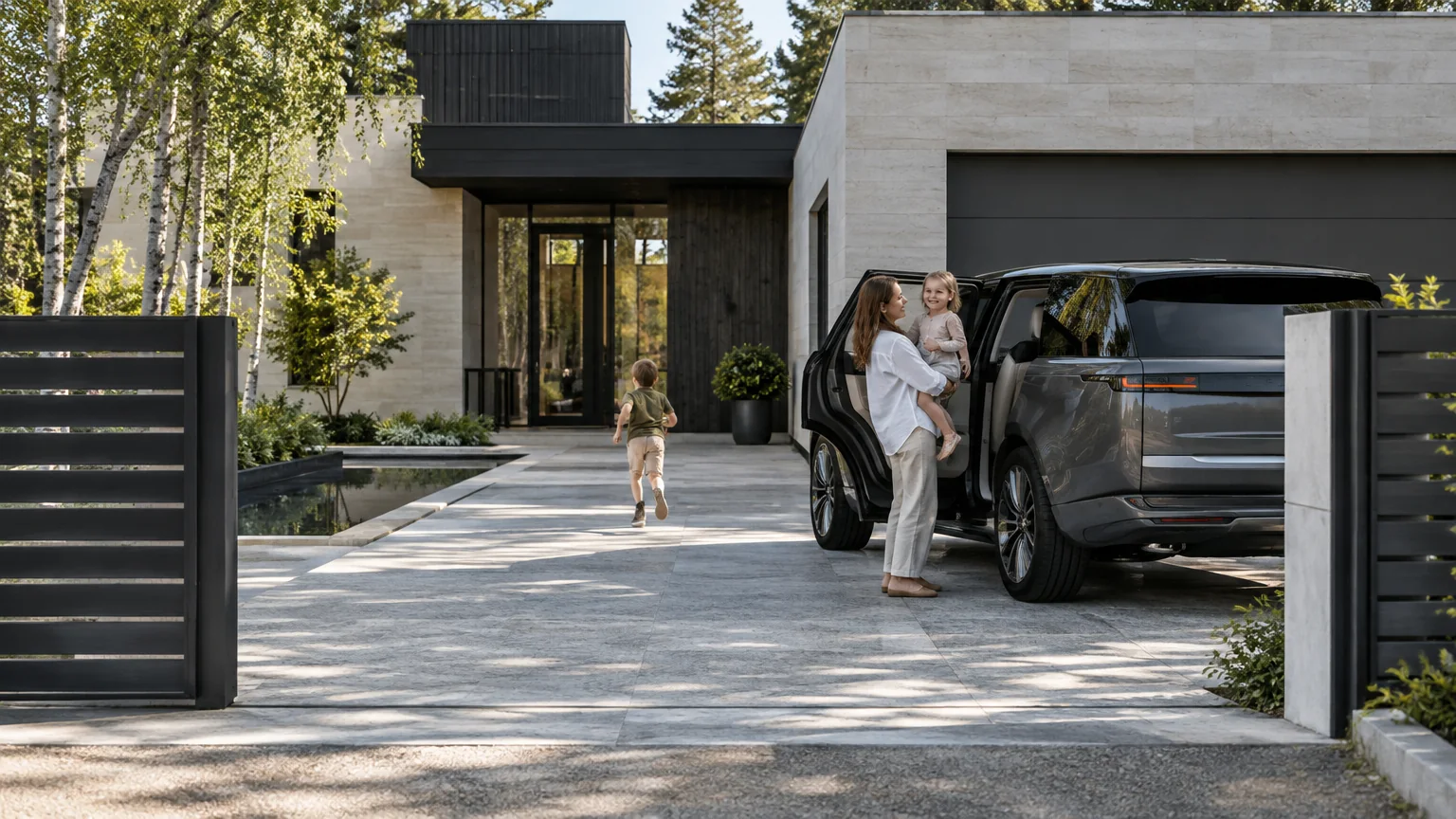
A tap from the car as it turned in, and the door is already unlocked.
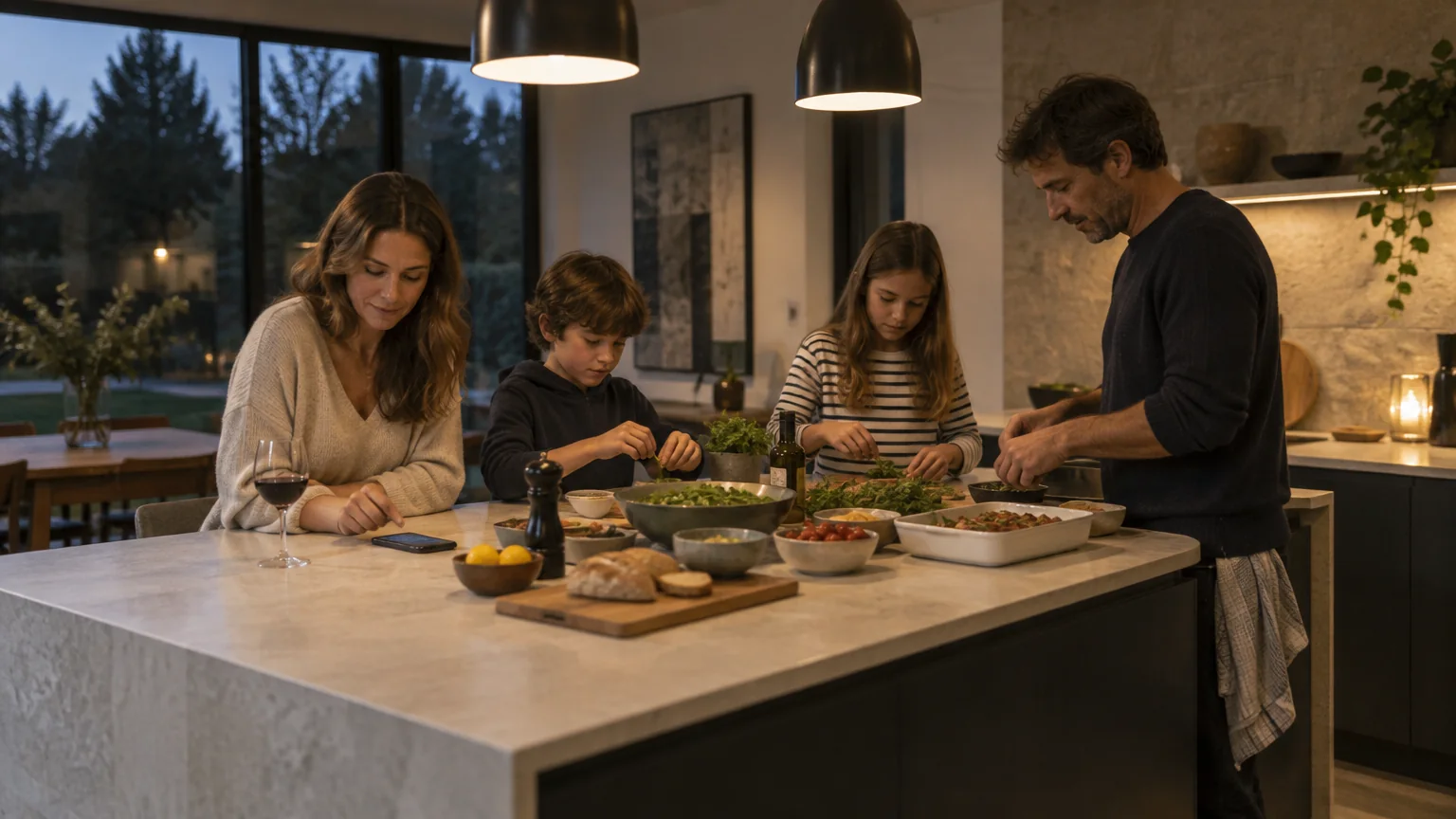
The courier is at the wicket. A tap from the island, and the parcel is in the box.

His code at the door, the gate closing behind him. The app says so.
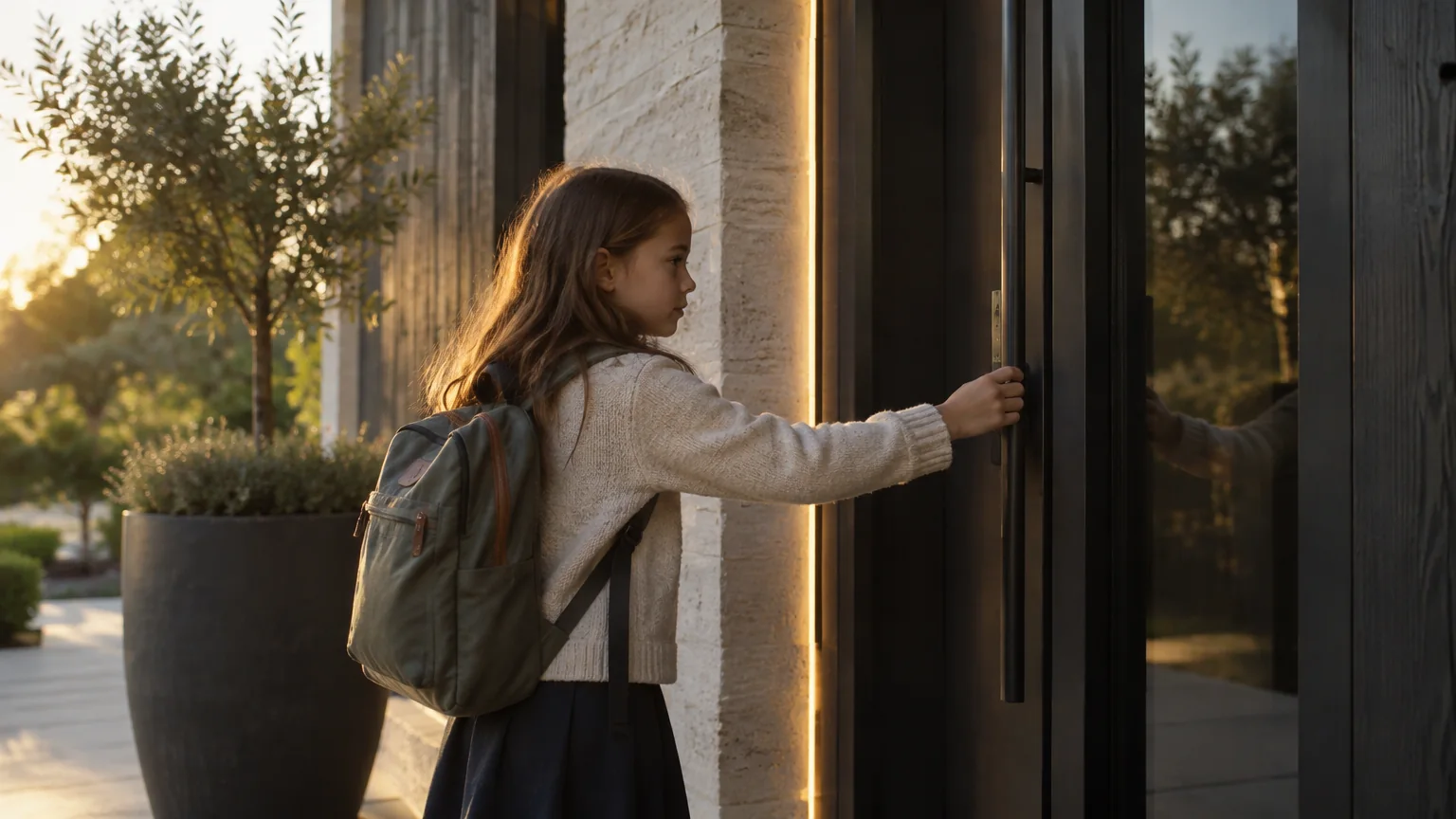
A code at the door, and a notification that she is home from school.
15 · From anywhere
Peace of mind,
in your pocket.
The app works wherever you are, not only at home. Every place you own, in one account.6

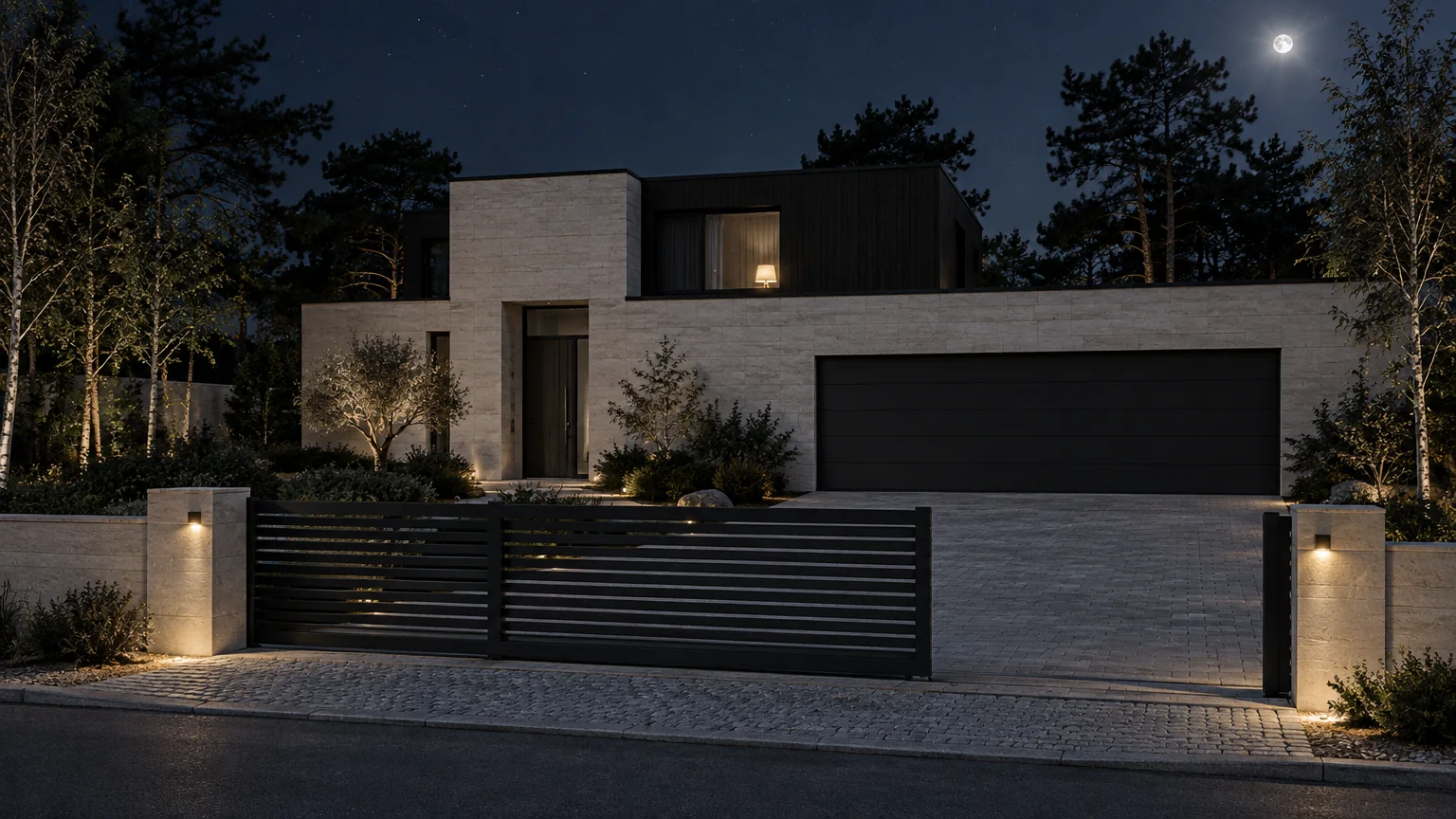
Open the gate for the florist from the airport lounge. Check the garage from the mountains.
The house, the summer house and the office, side by side, without switching accounts.6
A web version for the desk, for when the phone is in the other coat.8
A gate left open. A door operated with a remote. Nothing else.7
16 · Compare
Worth it?
Quietly, yes.
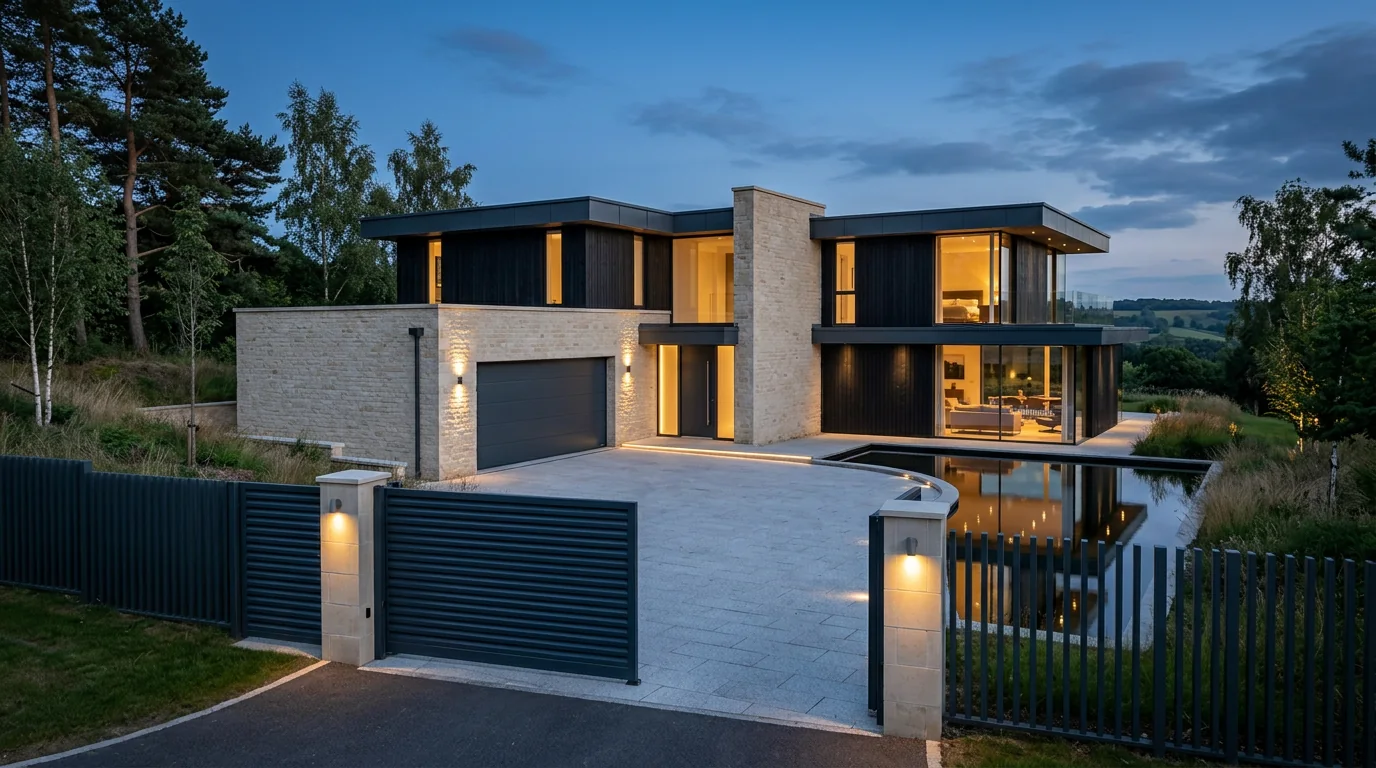
The same house, with and without a system that listens.
17 · All in the family
The products behind the system.
Doors, windows, garage and fencing in one design language.
Explore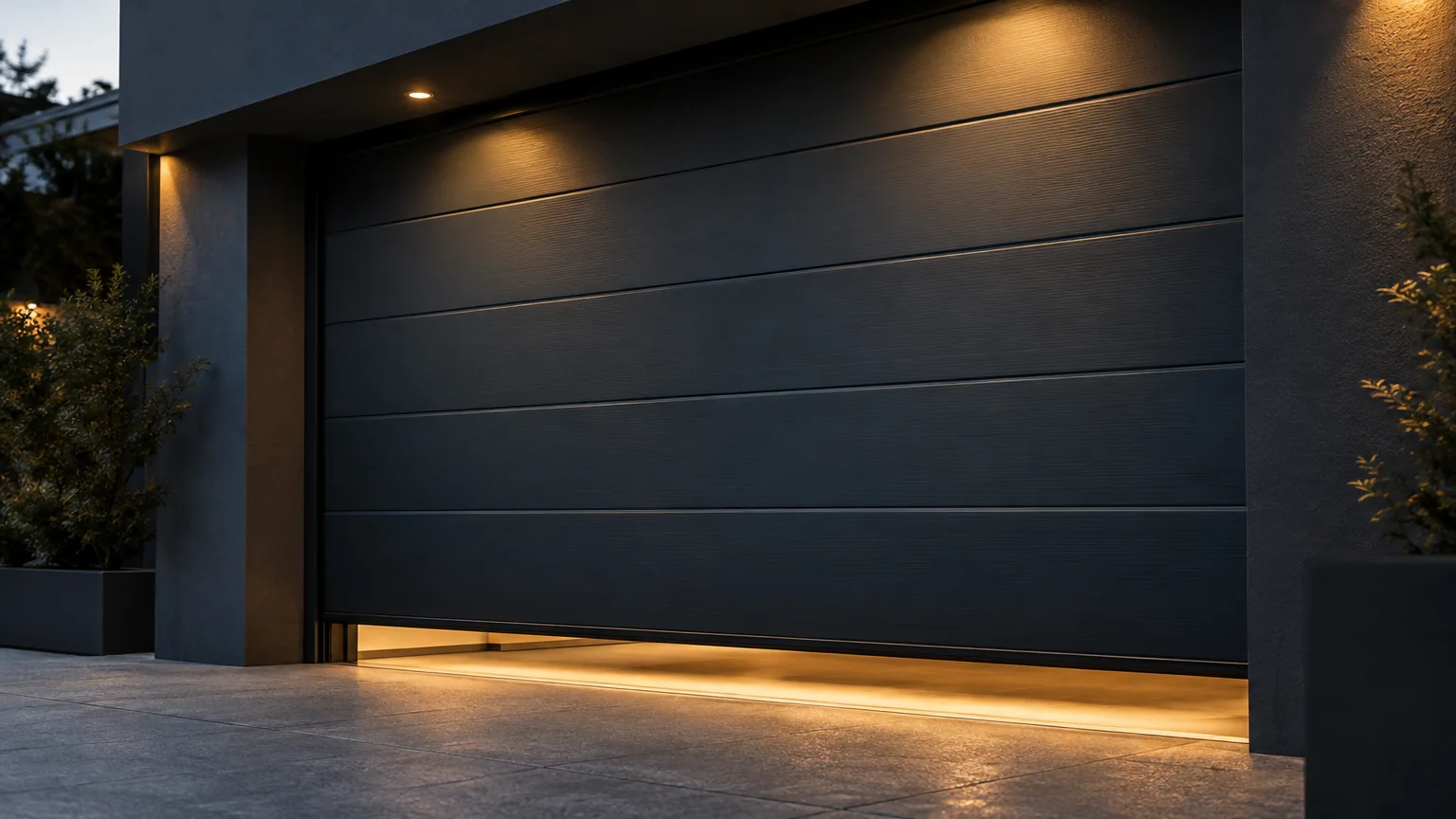
Sectional, roller and side doors, with their drives.
Explore
Six collections, eighty-two designs, and the gates that complete them.
Explore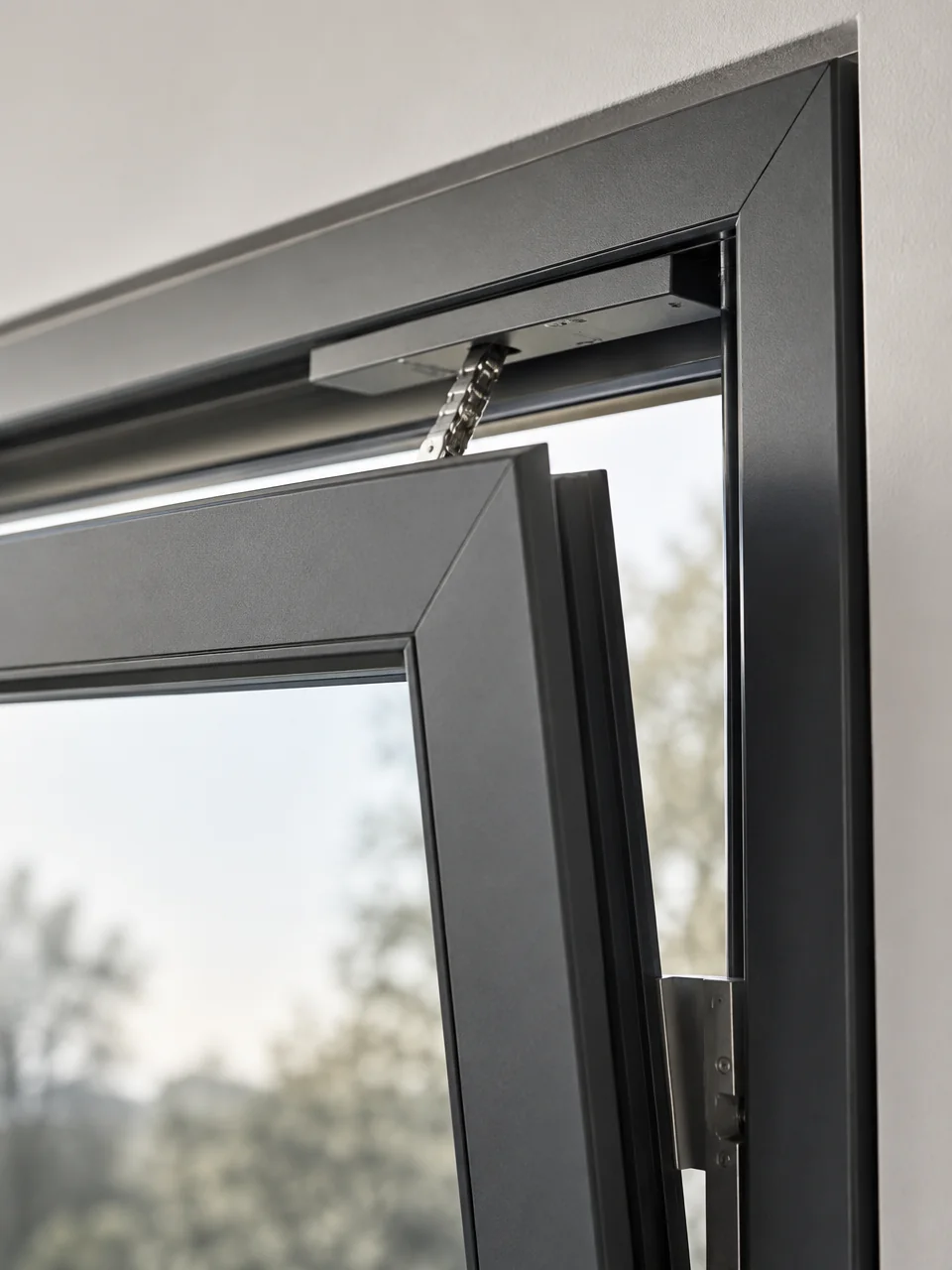
Tilt-and-turn and lift-and-slide, planned for motorised operation.
ExploreThe garage experience, from arrival to detail.
Explore18 · A little clarity
Questions, answered.
Do I need a hub, a bridge or extra wiring?
No. The gate, garage door and door drives in this system carry their own connection, so the app talks to them directly over the home’s internet connection. There is nothing to add to the wall.1
Can my existing gate or garage door be connected?
Often, yes. It depends on the drive: current drives connect as they are, and an older drive can usually be replaced without changing the gate or the door. We confirm this at survey.1
Which products can be controlled?
What happens when the internet is down?
Your remotes, keypads and wall switches carry on exactly as before. The app needs a connection to reach the house, and catches up when the connection returns.1
Who can I give access to, and for how long?
Anyone you choose: family, a cleaner, a dog walker, a courier, guests. Each person gets their own access, limited to a window of time or a number of uses if you like, and you can remove it at any moment.2
Can I see who opened the gate?
Yes. The activity log keeps the last thirty days: what was opened or closed, when, and by what, whether the app, a remote, a code or a scene.2
Is there a subscription?
The app itself is free, for phones, tablets and the web. Any optional services are set out in writing with your quotation.8
Does the heating belong to the same system?
Heater control is planned around the heating you already have and its control interfaces. The scope depends on the equipment, and we agree it with you at survey.5
Can I manage more than one property?
Yes. One account manages several locations, such as a home, a business premises and a holiday house, without separate logins.6
Who can see my home’s data?
Access is tied to your account and to the people you invite, and you can remove anyone at any time. We share the current privacy and security information with your quotation.9
Scroll to move through the questions, or tap one
19 · Intelligent Systems
Quietly
intelligent.
Tell us about your gate, your garage, your door, your windows and the way you live. We will plan the system around it.
Concept visualisation9 · good night
19 / Quietly intelligent
Intelligent Systems is a guided presentation by Watford Construction. It brings together the control of gates, garage doors, entrance doors, windows, blinds and heating in one app, so that a connected home or building can be specified with the same information in front of everyone. The scenes are concept visualisations rendered in your browser and are not photographs of completed projects; the phone and the app screens are design illustrations.9 Capabilities are taken from the manufacturer’s published documentation and are referenced in the notes below. Compatibility, scope and availability are confirmed at survey, and every quotation is accompanied by a written specification.1
Notes and references
- Built-in connection. The gate, garage door and door drives used in this system carry their radio connection on board, so the app reaches them without an additional hub, module or wiring; a working internet connection at the property is required. Automatic closing after a set time is a function of the drive, configured at commissioning. Source: the manufacturer’s published product and app information, 2025–2026. The compatibility of an existing drive is confirmed at survey.
- Access and activity. Access can be shared with selected people and limited to a time window or a number of uses, and the activity of the last 30 days can be reviewed in the app. Source: the manufacturer’s app documentation. The people, times and events shown on this page are illustrative.
- Scenes. Several devices can be run in sequence from one tap; the manufacturer’s own example is a “coming home” scene that opens the gate, unlocks the door and raises the shutters. The scenes on this page are illustrative and are configured with you at commissioning.
- Ventilation position. Garage door drives can stop the door in a partial-opening position for ventilation; the exact opening is set at commissioning and depends on the door and drive.
- Heating. Heater control is planned around the existing heating equipment and its control interfaces. The scope of integration depends on that equipment and is agreed at survey; the temperatures shown are examples.
- Several locations. One account can manage more than one site, such as a home, a business premises or a holiday house, without separate logins. Source: the manufacturer’s app documentation.
- Notifications. Push notifications are sent for events such as a gate left open or a device operated with a remote control. Source: the manufacturer’s app documentation. The exact set of notifications is configured in the app.
- Availability. The connected app is free for phones and tablets and is also available as a web version. It is being introduced region by region through distribution partners; availability in your region and language is confirmed with your quotation.
- Visualisations. The scenes on this page are concept visualisations rendered in your browser and not photographs of completed projects. The phone and the app screens are design illustrations of the Watford app and may differ from the released version.
- Windows and blinds. Motorised window operation uses concealed actuators fitted to tilt-and-turn or terrace windows; blind control uses the blind’s own drive. Suitability is confirmed per opening at survey.
Back to Watford Construction · Home Inclusive · Garage Doors · Fences · Windows & Patio Doors
Search concept 05 · Catalogue Index·The Watford Collection·
Nothing in the index for that.
Check the spelling, try a shorter word, or start from a collection.
Or ask Customer Care: +44 (0) 330 818 0713, Monday to Saturday 8 am to 8 pm, Sunday 10 am to 5 pm (UK time).
